Notes to Library Queuing
Summary: This document outlines details on the Notes to Library Queuing feature within eReserve Plus
Overview
When faculty requests a resource for their list, they have the ability to include notes to the library via a Notes for Library textbox.
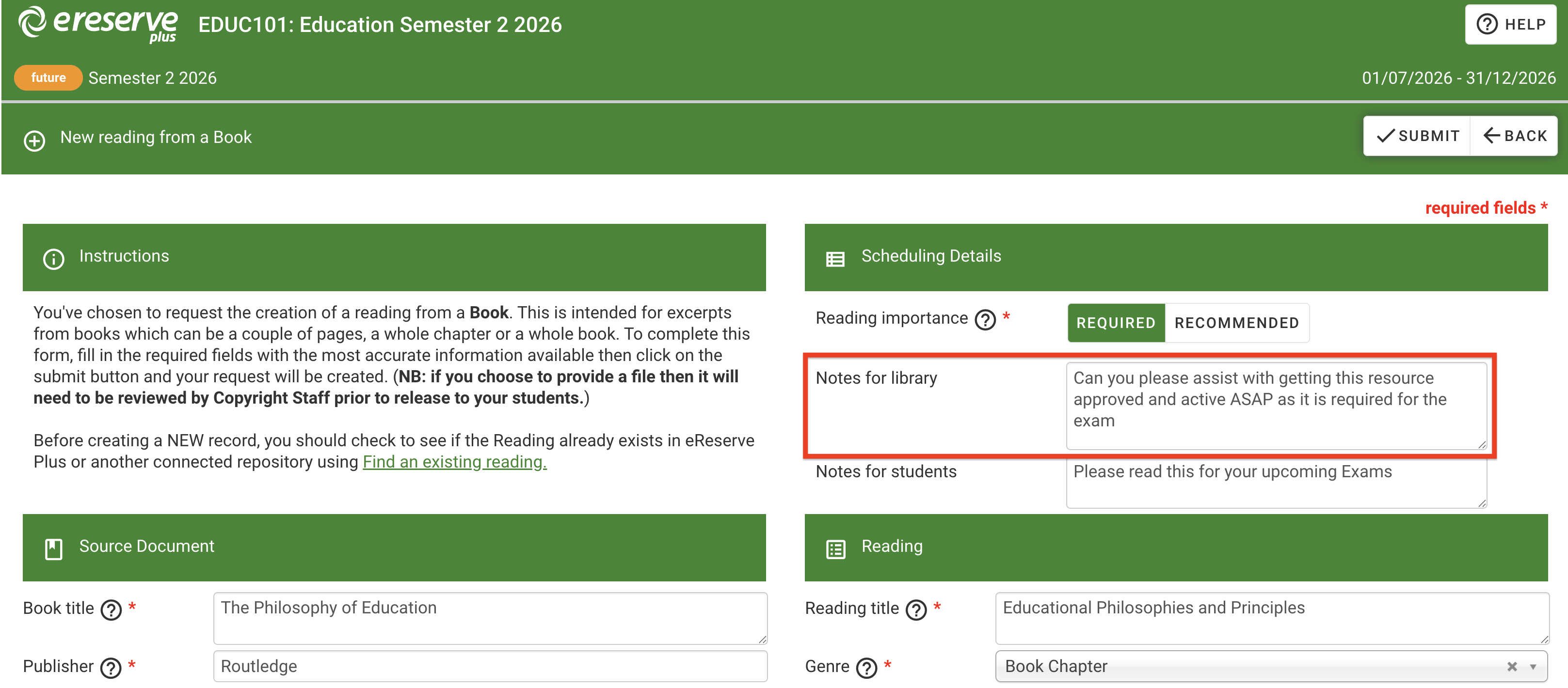
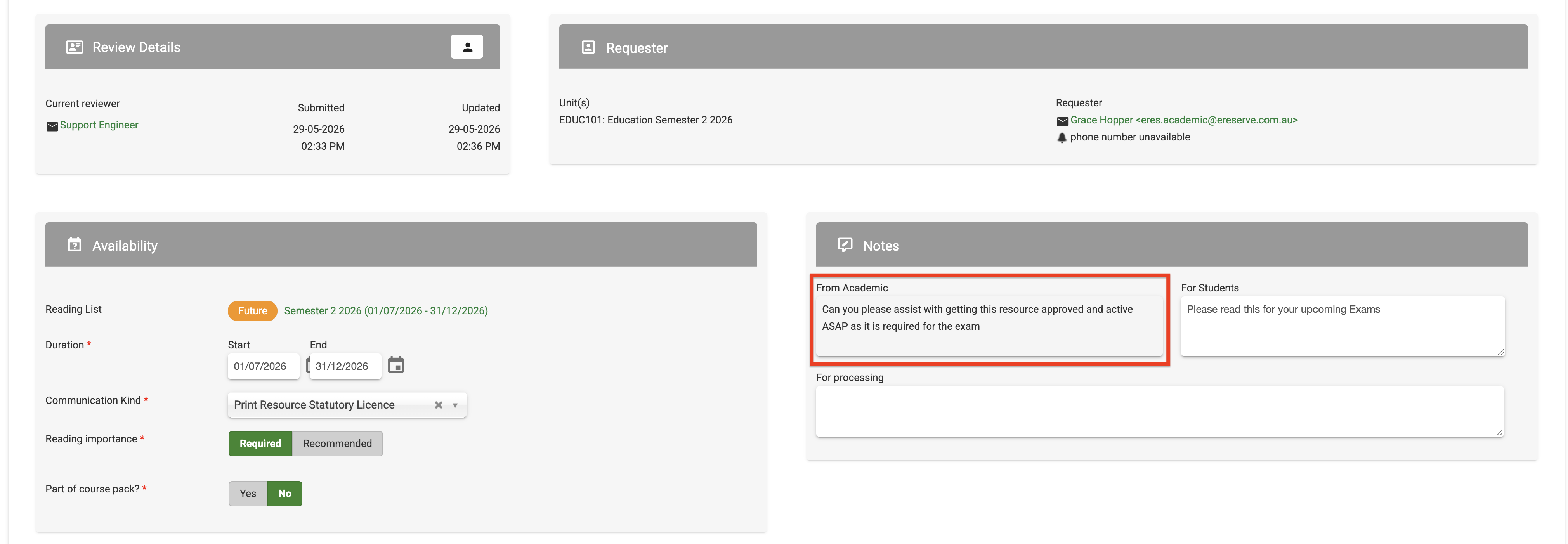
Sometimes these notes are required for library staff to see and to take action. With the Notes to Library Queuing feature enabled, any request containing notes for library will be held in the queue for review, allowing library staff the ability to take actions on those requests.
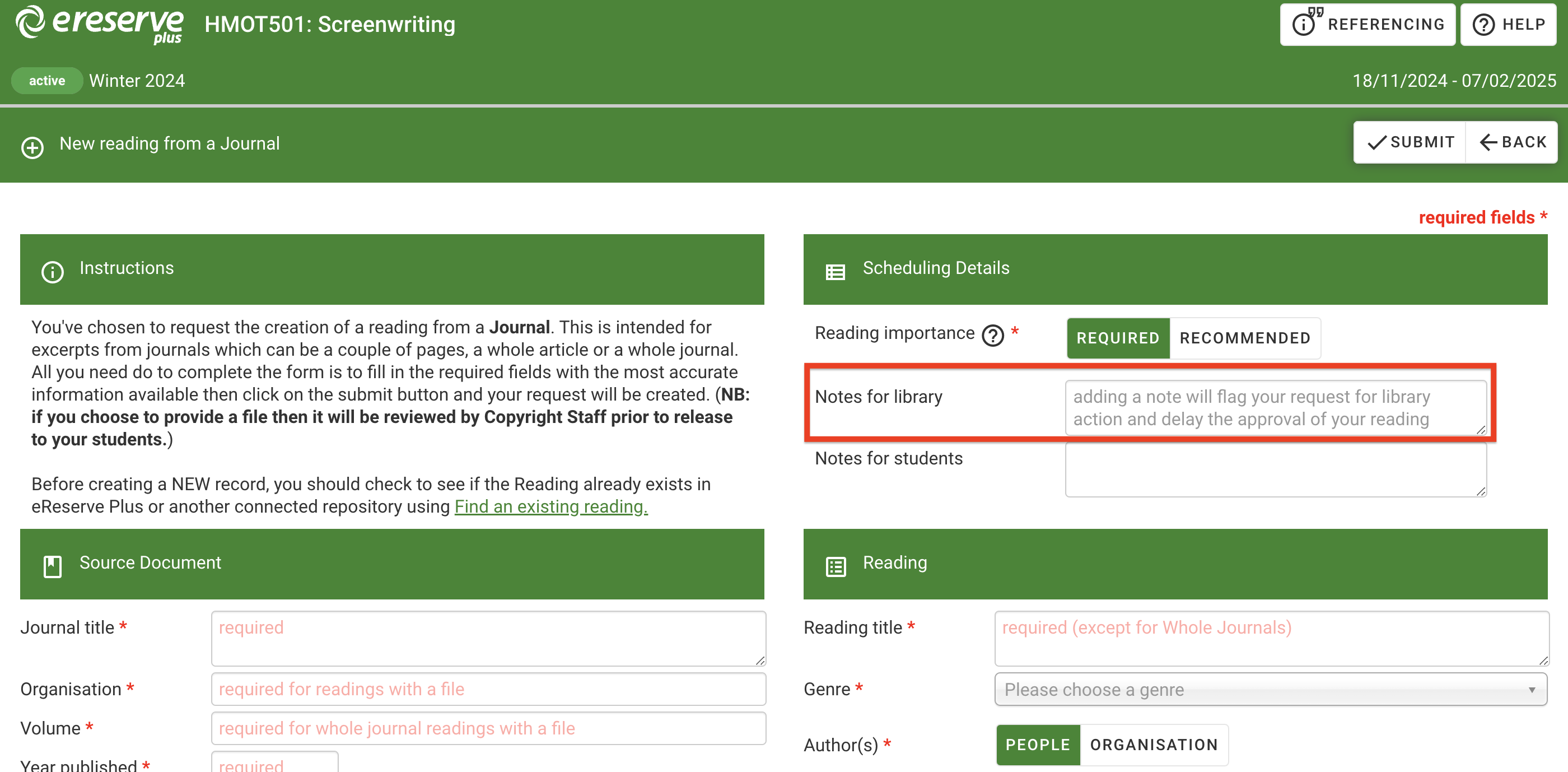
For faculty staff, there will now be field text within the 'Notes for library' to advise that adding a note will flag the request for library action which may possible delay the approval for the reading.
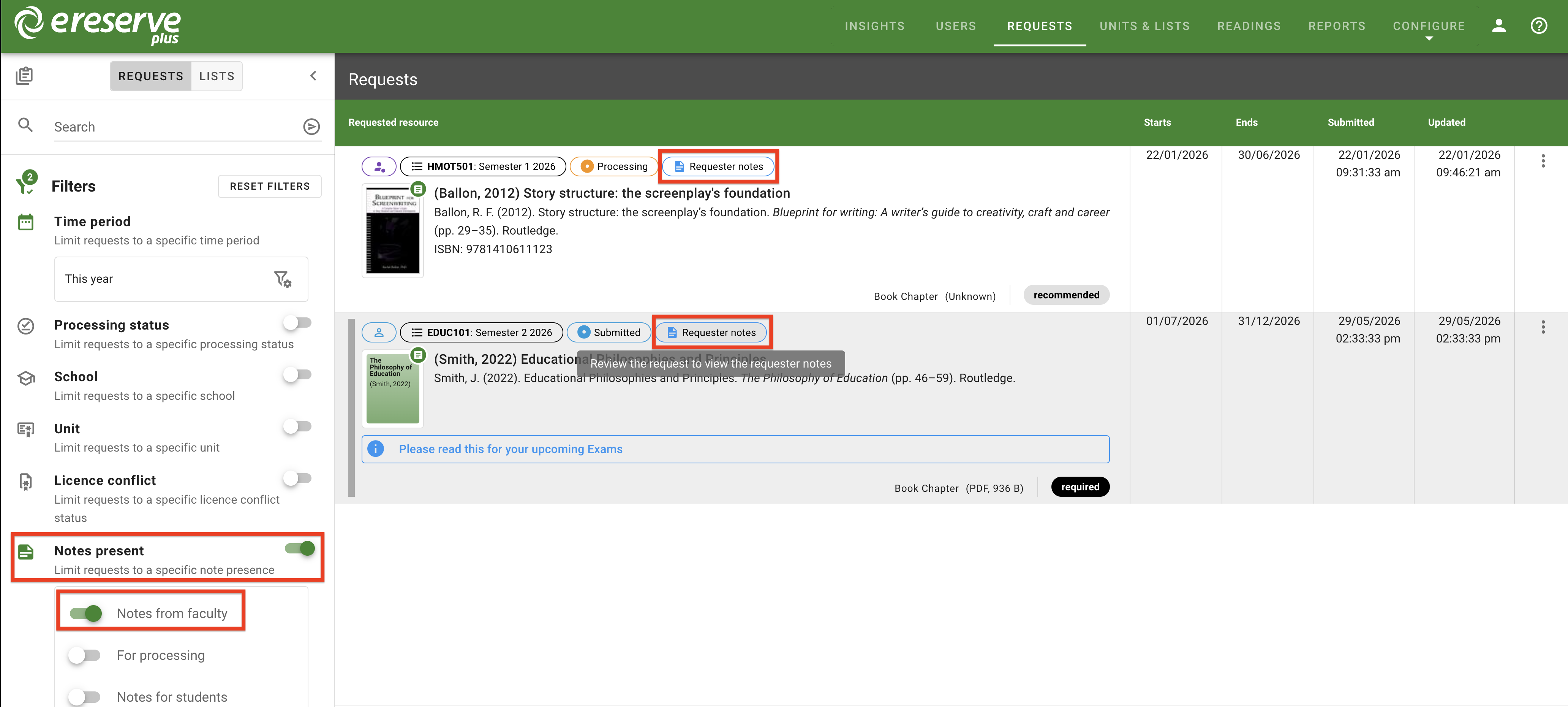
When viewing the Requests view in Requests management, library staff can quickly identify requests that contain a note from faculty by the 'Requestor Notes' status label. Additionally, library staff can enable the Notes present filter and apply the 'Notes from faculty' option to easily see all requests within the configured time period that contain a note from faculty.