
Documentation
Enhanced Requests Management
Summary: This document provides an overview of the enhanced requests management feature within the eReserve Plus Admin interface.
Introduction
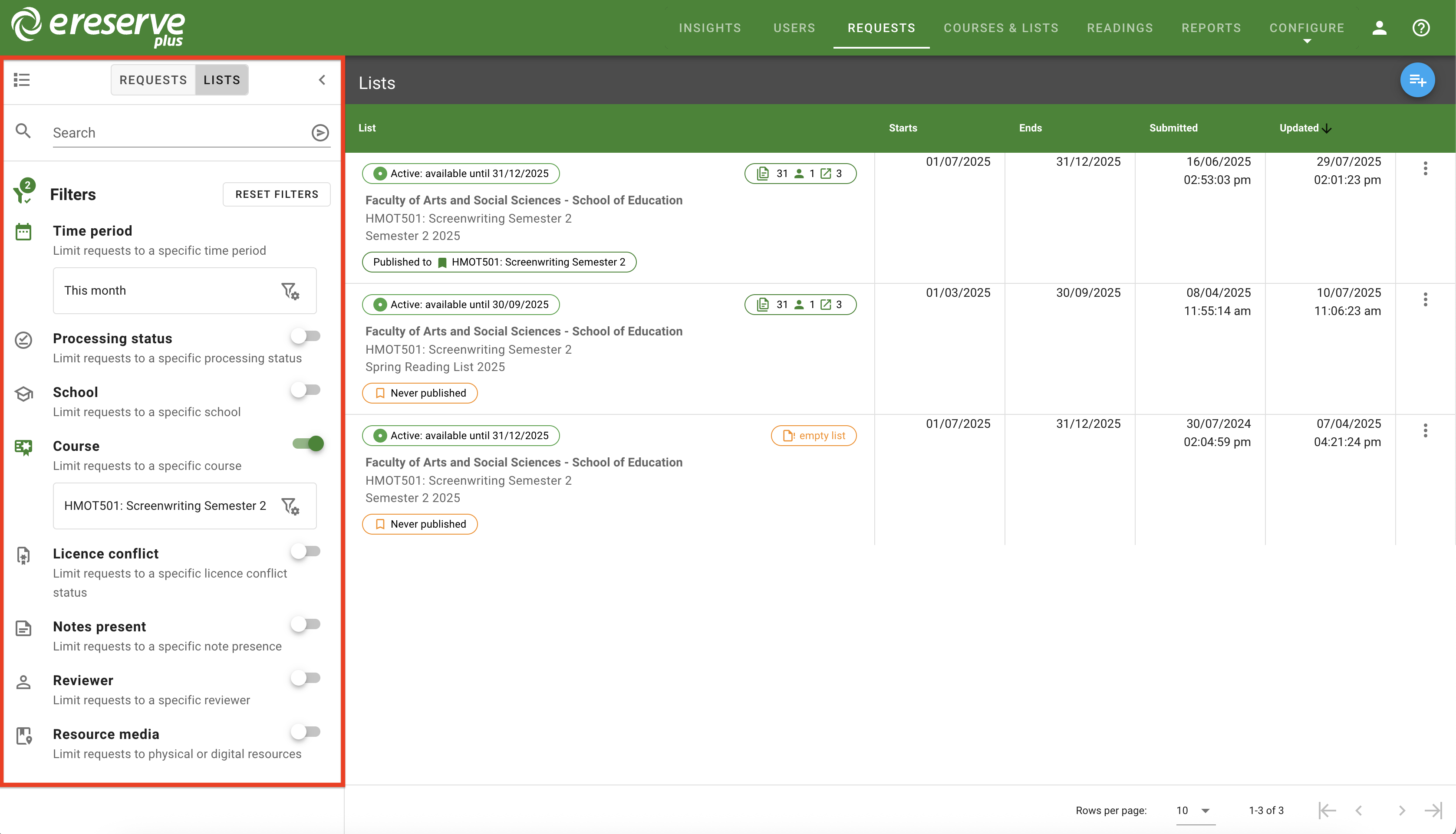
The Enhanced Request Management feature updates the Requests page, providing a more detailed view for each request and list. The filters panel has also been updated and includes new filters for more efficient searching.
There are two view types for Request Management - Requests and Lists. In the Requests view, requests are listed individually under the ‘requested resource’ column, with each displaying the resource citation and details, processing status, current reviewer and more.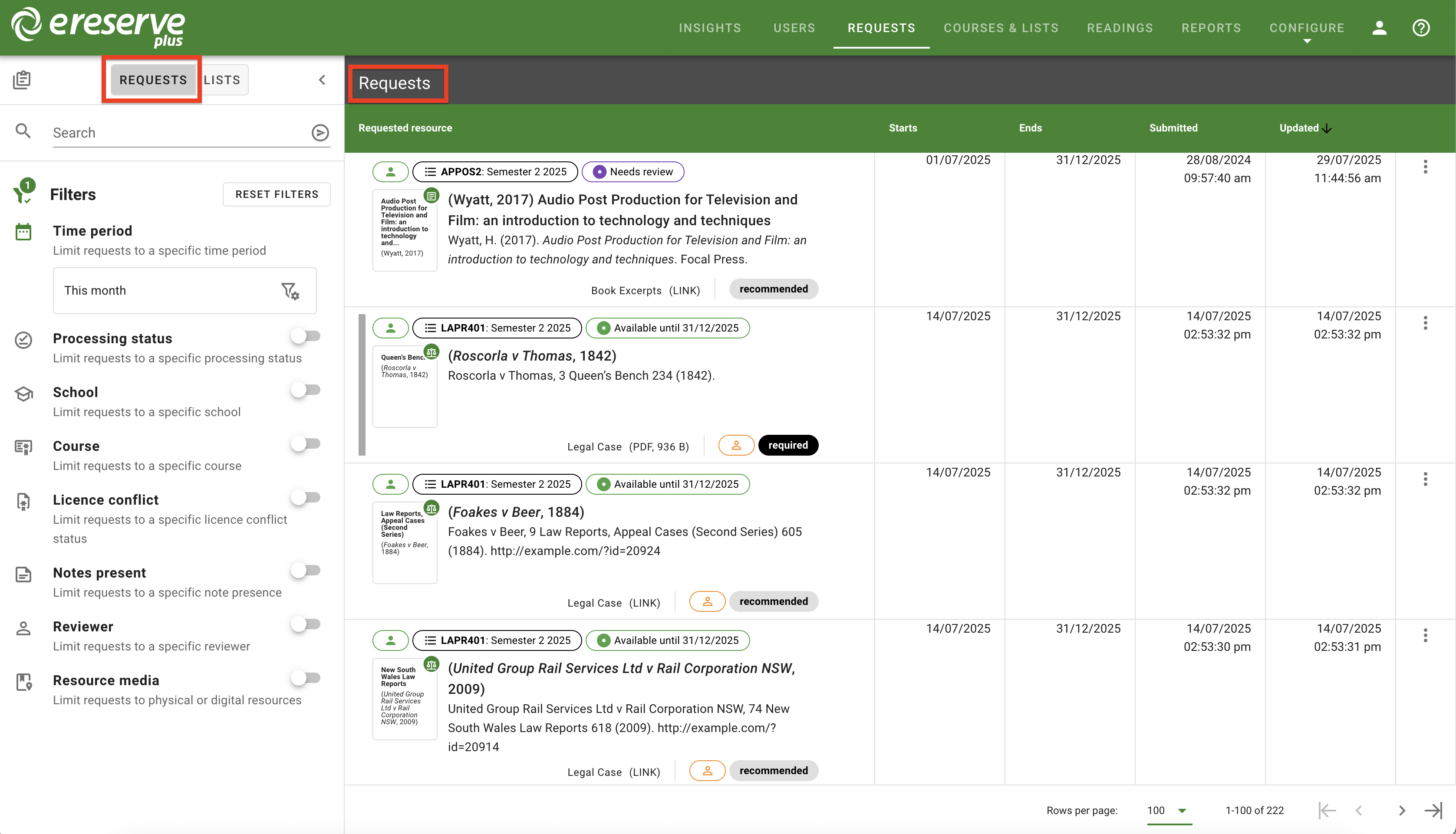
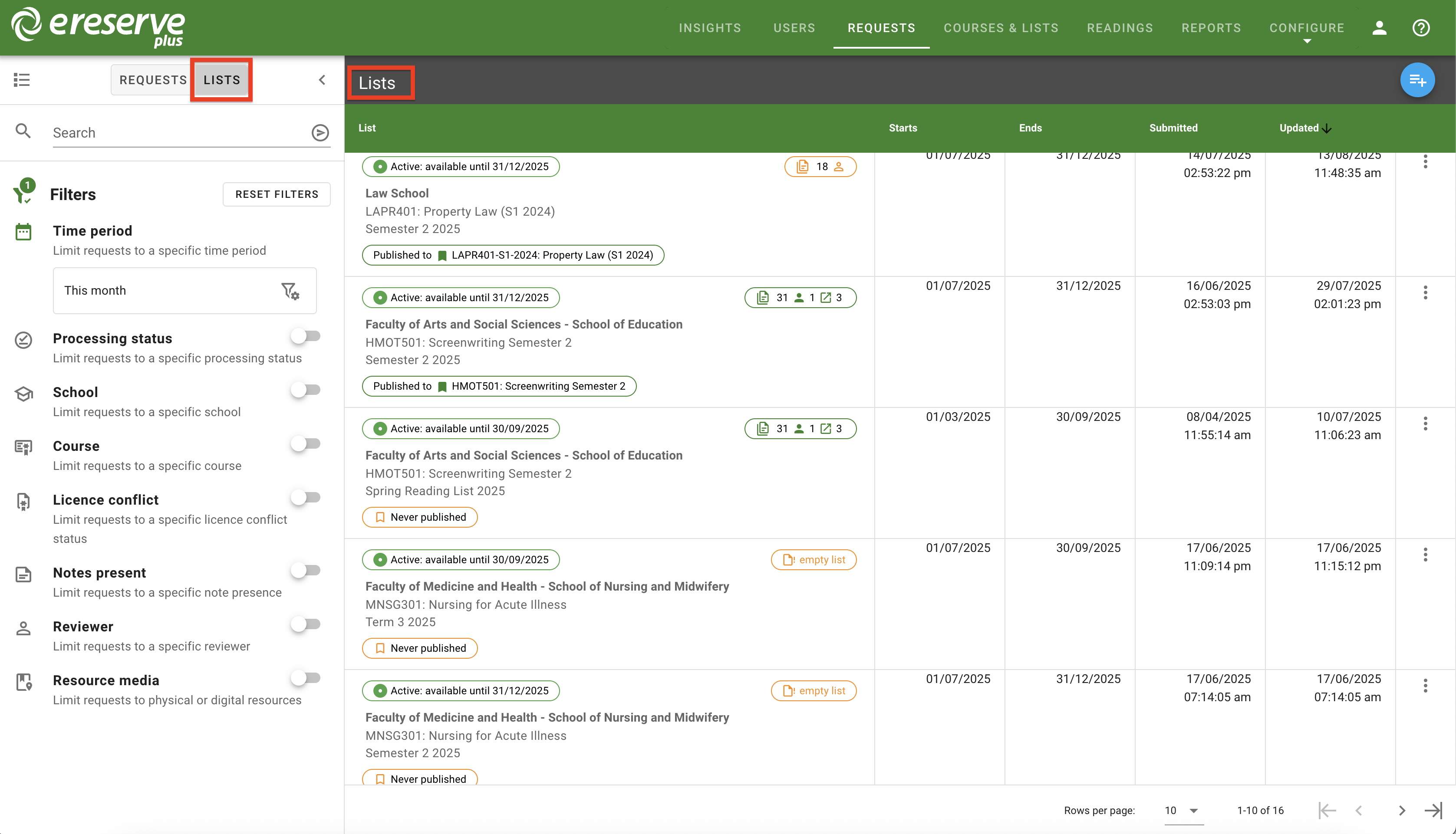
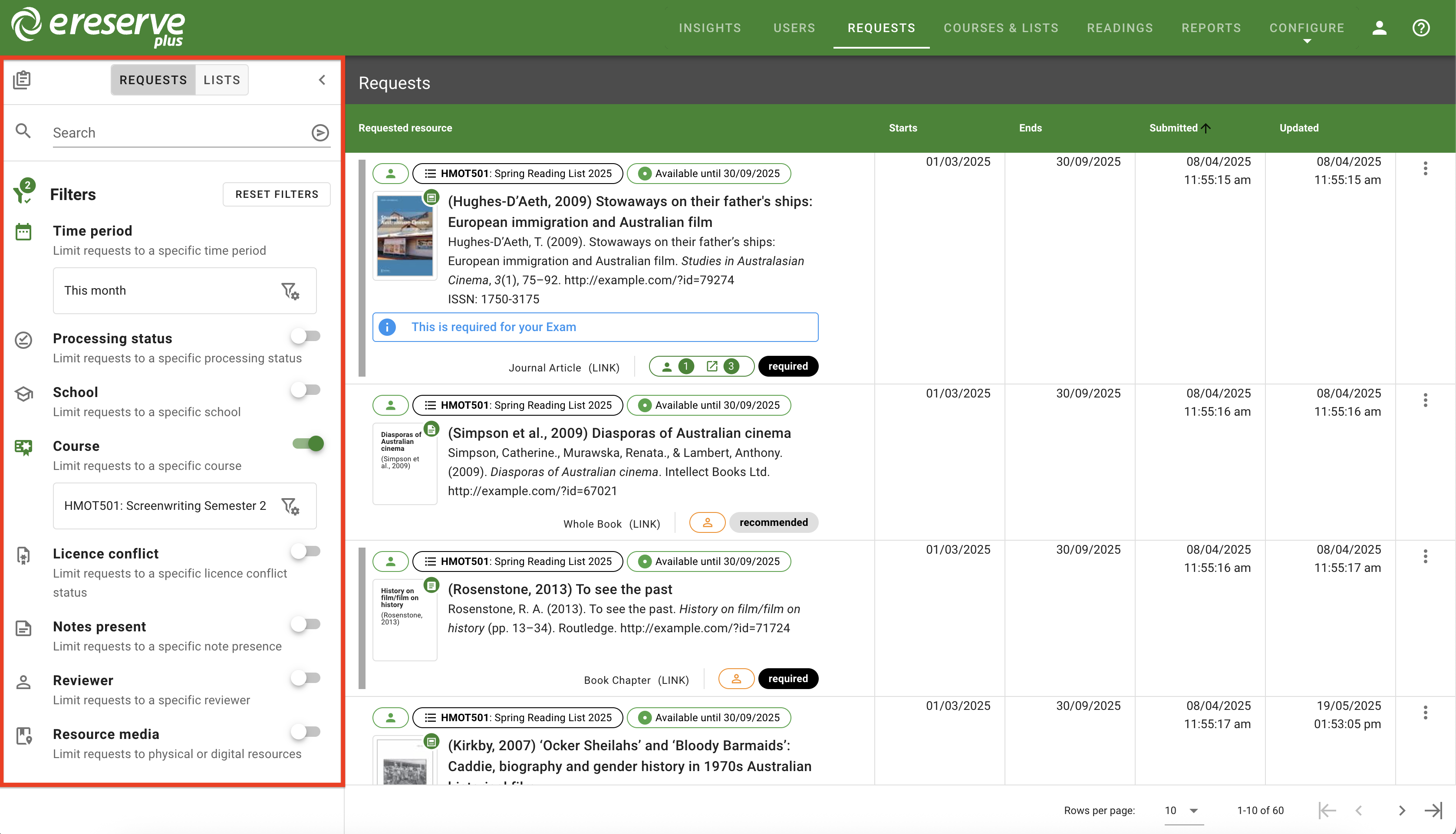
Using the filters in the Lists view will only display lists that contains the filtered requests.
You can navigate to the following page for more details:
- Request Management Overview for a detailed overview of the both requests and lists views.
- Filtering Resource Requests for how to filter and search efficiently to locate requests.