Summary: This document provides an overview of the Public Lists feature within eReserve Plus
Overview
The Public Lists feature in eReserve Plus allows prospective students and the general public to browse course reading lists directly from an institution’s public website.
Key features:
Searchable Access: Provides a central page for students to search all courses and review materials they may have upcoming or are considering for enrolment.
Direct Linking: Institutions can copy direct links to specific course lists and embed them on public course information guides or website areas.
Custom Branding: The interface theme and design are configurable to match the institution’s official branding and logo.
Transparency: Institutions can quickly and easily display learning materials for courses being considered by prospective students.
How to Access Public Lists
There are two methods of accessing the Public Lists feature:
The institution can add the direct link to the Public List search feature on the institution’s website. This allows the general public and students to search the Public Lists by course name, course code, or similar keywords.
The institution’s staff can copy the direct links to specific course lists and add those links to course information guides or other public pages.
Step 1: Search for a Course
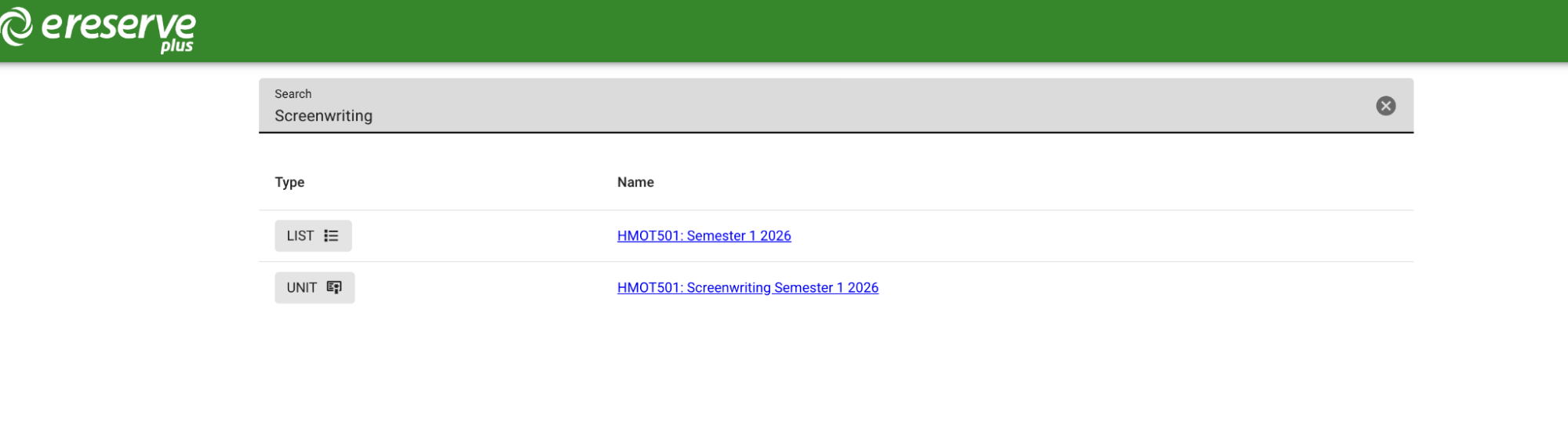
Access the institution’s public searchable list page. You can search for specific course reading lists or learning materials using the course name, course code, or other keywords in the search bar.
Figure 1: The search interface allows for broad searches across various subjects
Step 2: Select a List or Unit
From the search results, click on the blue hyperlink for the specific List or Unit you wish to explore. This takes you to the comprehensive overview of the materials associated with that course.
Step 3: Browse Course Groupings
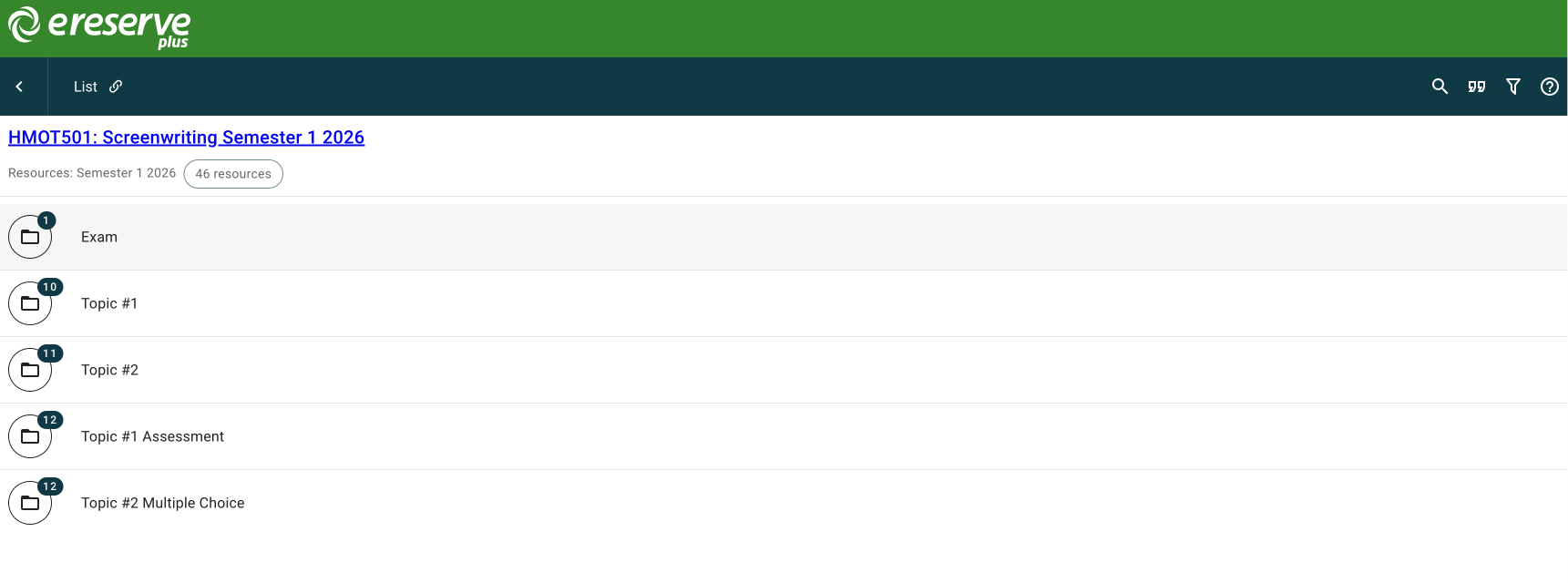
Inside the list, materials are organized into groupings (such as Topics, Weeks, or Assessments) as defined by the academic or library staff. Each folder icon displays the number of resources contained within that specific section.
Figure 2: Students can view the overall structure and groupings of the course materials
Step 4: View Material Details and Metadata
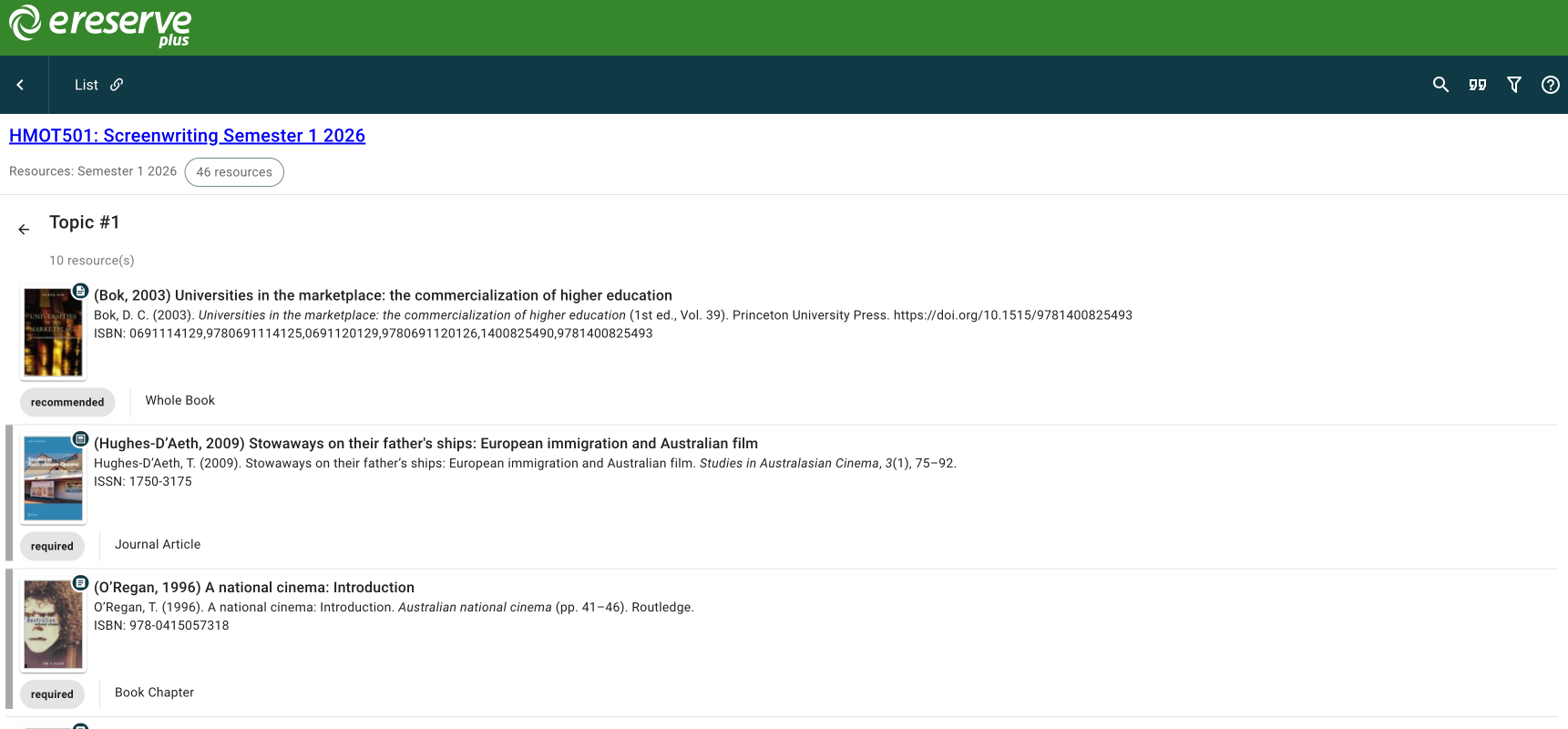
Click on a specific grouping to review the resource titles and bibliographic metadata for each item. This detailed view includes information such as authors, ISBNs, publication dates, and whether a resource is “required” or “recommended”.
Figure 3: Detailed metadata view for resources within a selected topic